Product Pricing Calculator
PRODUCT PRICING MADE CLEAR
Set a selling price that covers your real costs
Use this product pricing calculator to convert procurement costs, direct expenses, monthly fixed costs, and sales-related expenses into suggested retail prices. Enter your data, select your revenue model, and see how much remains after deducting all costs.
The price might appear good until you factor in costs related to packaging, payments, or rent. The calculator aggregates this data, allowing you to evaluate decisions regarding rounding, discounts, wholesale offers, and sales targets.
View the cost per unit, suggested retail price, and expected profit.
Review the profit margins and markups.
Check the break-even price and your chosen minimum margin.
Compare alternative pricing options before making an offer.
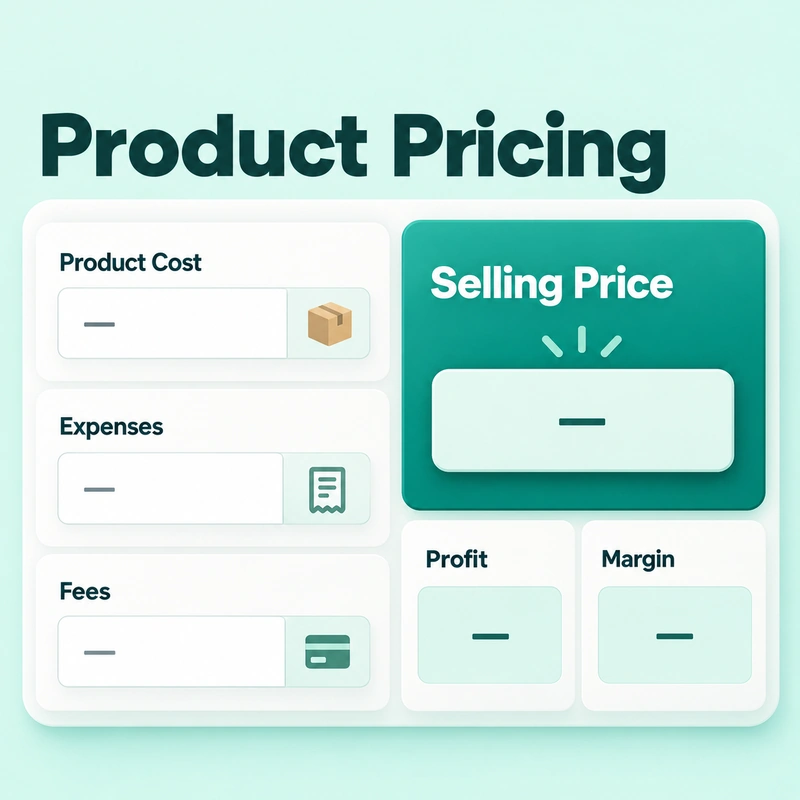
FROM INPUTS TO RESULTS
How to use the Product Pricing Calculator
Before you begin, gather your vendor invoices, batch expenses, monthly running costs, and current sales fees. Then, use the calculator in the following order:
1
If a business preset is useful, select it, then check the currency and unit type.
2
Enter the quantity purchased and either the total purchase cost or the purchase cost per unit.
3
Include the direct costs for this batch, and then enter the monthly overhead and expected monthly sales.
4
Enter the appropriate methods for percentage-based fees, fixed charges, per-order units, and taxes.
5
Choose from Fixed Profit, Markup, Target Margin, or Target Total Profit, and set the minimum profit amount that is acceptable to you.
6
Review the guide prices, then check for rounding, discounts, wholesale quantities, and alternative prices.
If you need to keep a record, use the options to copy the summary of results, print the results, or export them as a CSV file. Turn off privacy mode to save your calculations and reopen them later in the same browser.
Open your exported CSV file in the Online Spreadsheet Editor to review or update your pricing records.
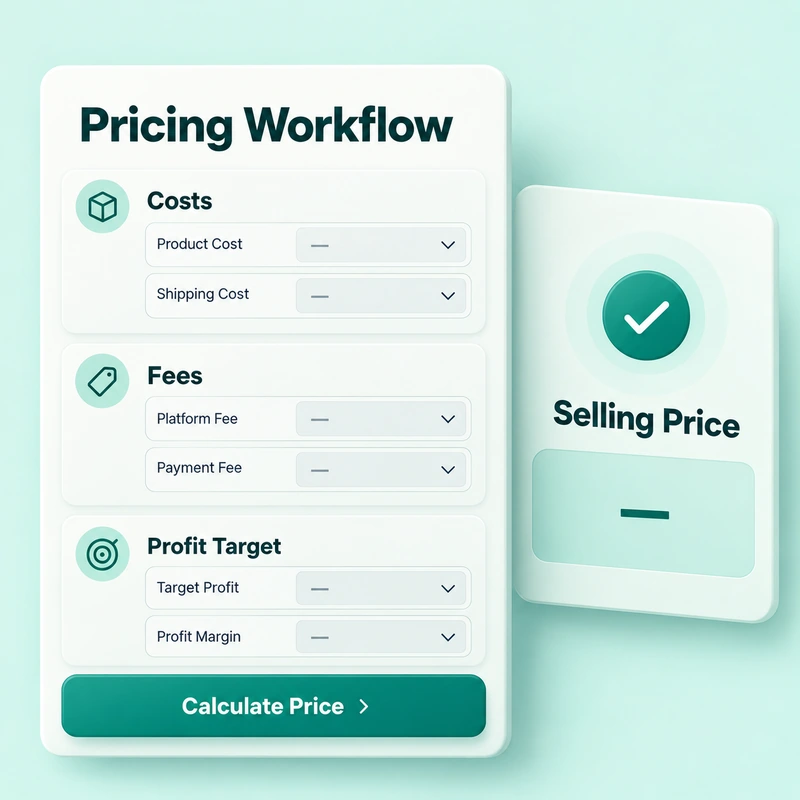
PURCHASE & PREPARATION COSTS
Find the full cost of one saleable unit
First, define the unit. A carton containing twelve items is not the same as a single item sold individually. Ensure that the purchase quantity, cost components, and unit of sale remain consistent throughout the entire calculation.
The calculator divides the total purchase cost and direct expenses by the number of items purchased. For example, buying 100 items for PKR 50,000 gives you a purchase cost of PKR 500 per item. Furthermore, additional expenses of 8,000 Rupees increase the cost per item by another 80 Rupees.
Include costs associated with the preparation of a shipment (batch), such as shipping, packaging, loading, labor, or cleaning. However, record each expense only once. If your supplier’s total already includes shipping, adding it again will inflate your costs.
Tip: Use the same currency for all entries. Selecting a currency label does not change the value of supplier invoices or other amounts.
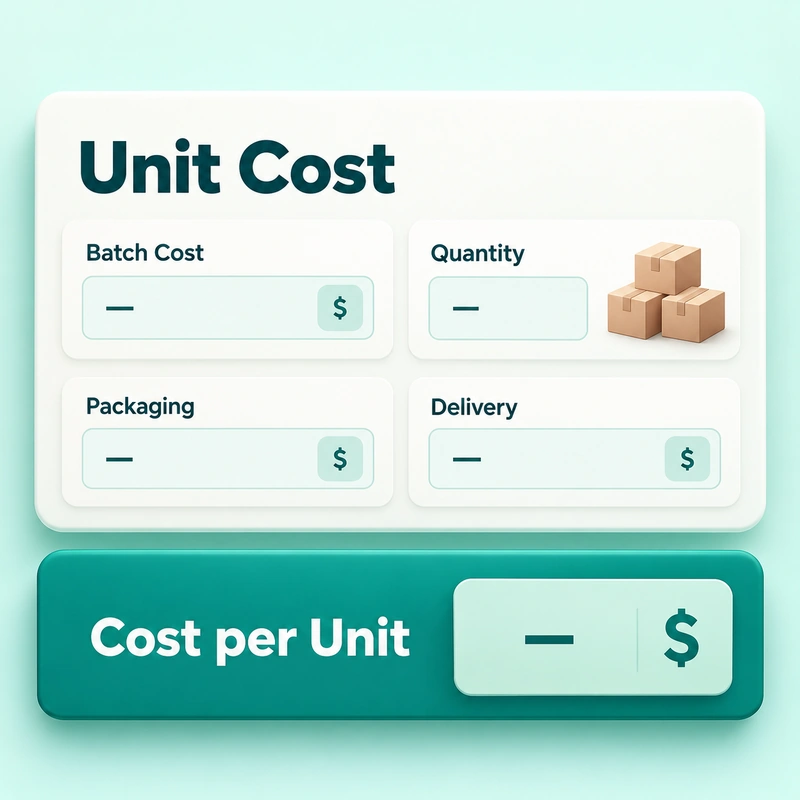
MONTHLY BUSINESS EXPENSES
Give each unit a realistic share of overhead
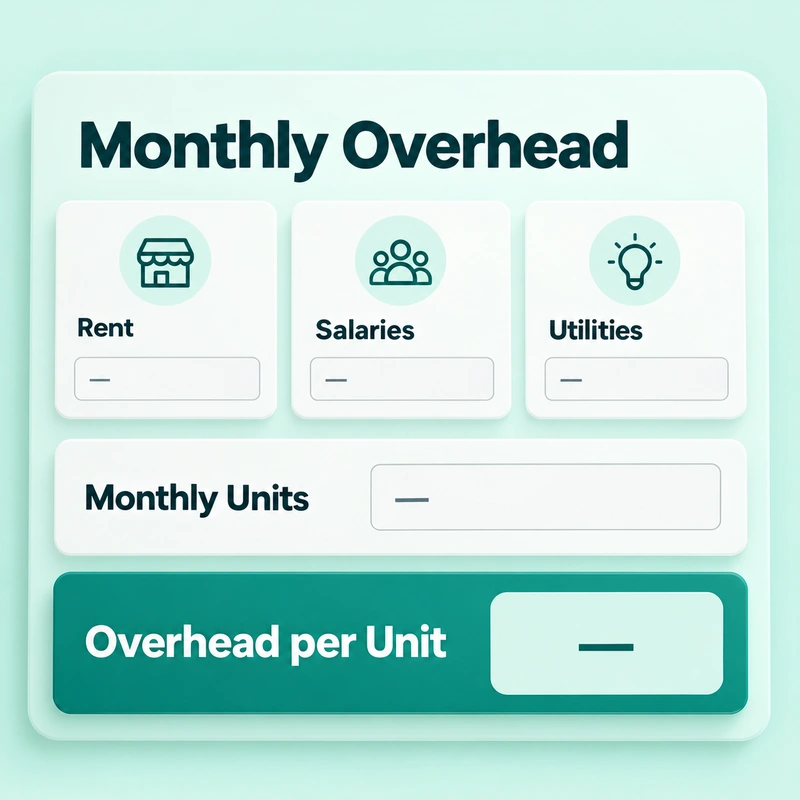
Monthly overhead expenses include the running costs required to support your sales, such as store rent, staff salaries, utilities, marketing, and software. The calculator determines the total based on your projected monthly sales.
Overhead cost per unit = Monthly overhead cost ÷ Estimated monthly units sold.
For example, monthly overhead of PKR 12,000 adds PKR 120 per unit when you sell 100 units. However, if you sell only 60 units, the overhead cost per unit rises to PKR 200. Therefore, an optimistic estimate regarding sales volume can make your proposed price appear far more reasonable and acceptable than it actually is.
If several products share your business expenses, allocate a reasonable share to each product you are reviewing. Avoid distributing the business's total overhead costs across every single product.
FEES, TAX & SELLING PRICE
Allow for fees that grow with your price
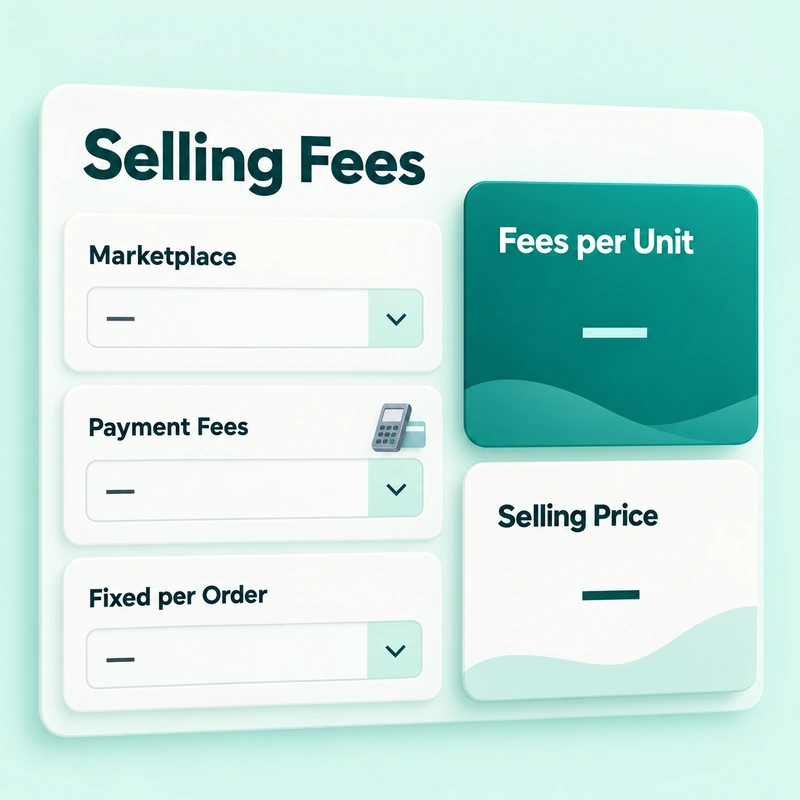
A fee charged as a percentage depends on the selling price. An 8% fee on 1,000 Pakistani rupees amounts to 80 rupees, whereas the same fee on 1,100 Pakistani rupees amounts to 88 rupees. Therefore, an 8% increase in cost does not fully cover the sales-related expenses (which are 8%).
Under this arrangement, the calculator also applies a fixed fee to each order of items. For example, the calculator spreads a PKR 60 fixed order fee across three units, adding PKR 20 per unit.
For target-margin pricing, let C be the total unit cost, including allocated overhead and fixed expenses. Let f represent the combined selling-fee rate, and m represent the target margin—both expressed as decimals.
Selling price = C ÷ (1 − f − m)
Illustrative example: PKR 500 purchase cost + PKR 80 direct expenses + PKR 120 allocated overhead + PKR 20 fixed fees gives a total unit cost of PKR 720. With an 8% selling fee and a 25% target margin, the calculation is PKR 720 ÷ 0.67 = approximately PKR 1,074.63. At this price, fees total PKR 85.97, leaving PKR 268.66 profit per unit.
Note: The tax regime changes the model. In business-cost mode, the calculator includes the tax percentage among the deductions from the selling price. In pass-through mode, the calculator shows prices without tax; add the tax separately to the customer’s invoice. Other costs in the pass-through model are pre-tax expenses. Verify that these figures align with your actual costs.
PROFIT TARGETS EXPLAINED
Choose between margin, markup and fixed profit
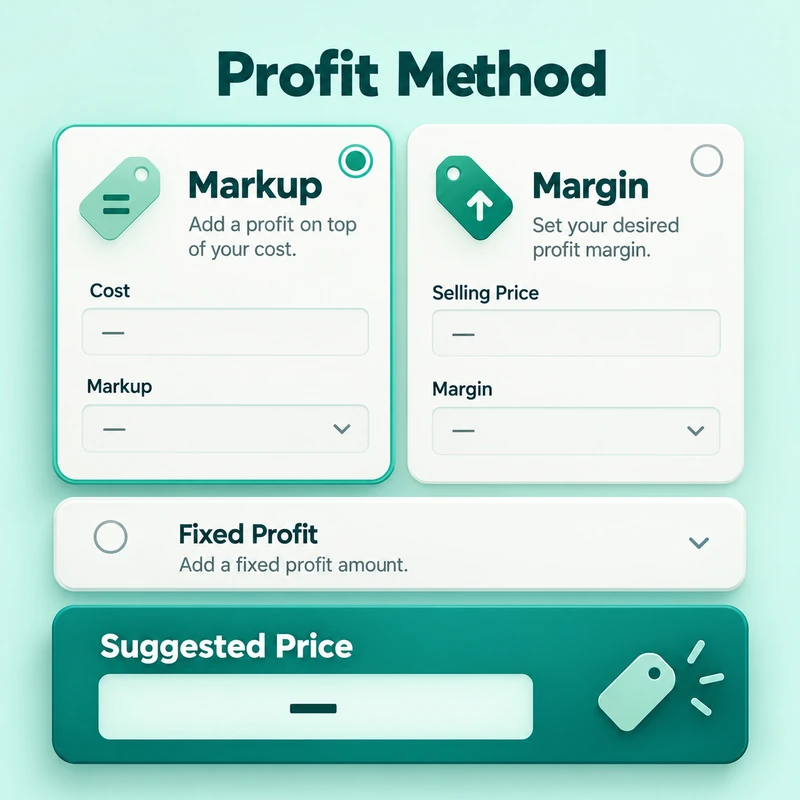
Margin compares profit to the selling price, whereas markup compares profit to the cost. If the cost is 100 Pakistani Rupees, the selling price is 150 Pakistani Rupees, and there are no additional expenses, the profit amounts to 50 Pakistani Rupees. This represents a 50% markup and a 33.33% margin.
This calculator measures profit after you enter the cost and the selling price. Its markup method defines profit as a percentage of the total cost per unit and then adjusts the selling price based on that same percentage.
Fixed profit per unit: The target of earning a specific amount from each sale.
Markup percentage on cost: Target profit in relation to the cost per unit.
Profit margin percentage on selling price: This refers to the portion of revenue (the amount received from sales) that remains as profit.
Total profit target: Divide the overall profit target by the quantity purchased.
Adopt an approach that aligns with your goals. Even before accounting for fees, a 25% markup and a 25% profit margin will result in different prices.
THE FINAL SHELF PRICE
Check the profit after rounding
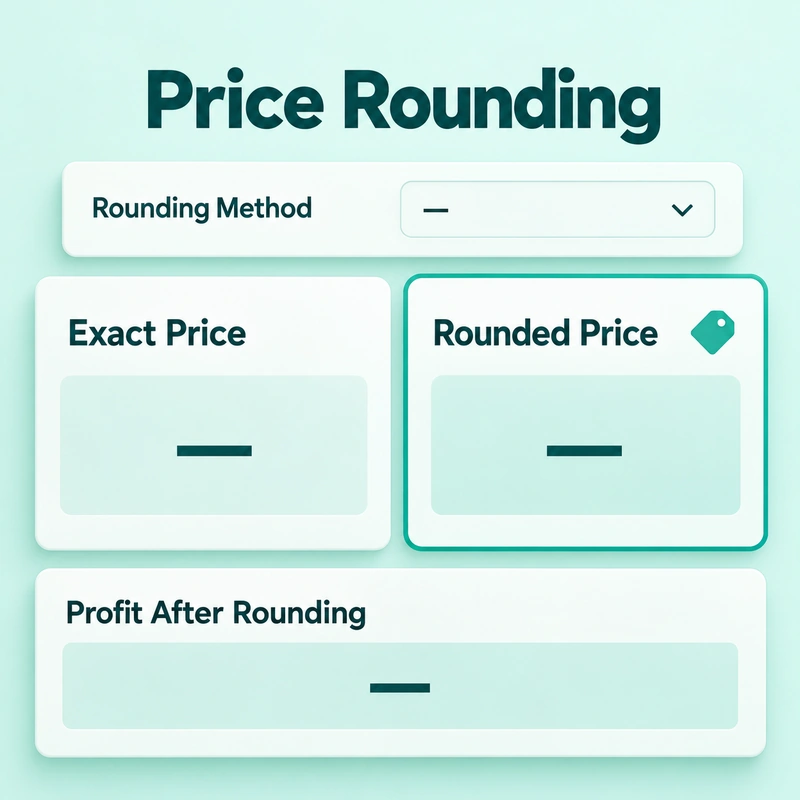
Rounding off prices alters the amount paid by customers, which has a direct impact on the bottom line. This tool allows for rounding prices to the nearest 10, 50, or 100, as well as to figures ending in 9, 99, or 999.
Compare the exact suggested price with the rounded price. Rounding a price in this manner typically results in a decrease in its value. In contrast, the psychological pricing strategy involves setting the price at a specific, strategically chosen figure—which results in a final price that is either equal to or higher than the actual price.
With a PKR 720 unit cost and an 8% selling fee, charging a rounded price of PKR 1,075 leaves PKR 269 profit per unit. However, depending on the rounding-off method used, your actual profit may fall short of the target. Before choosing your final shelf price, review the profit and margin after rounding.
PROMOTIONS WITHOUT GUESSWORK
Test a discount against the profit it leaves
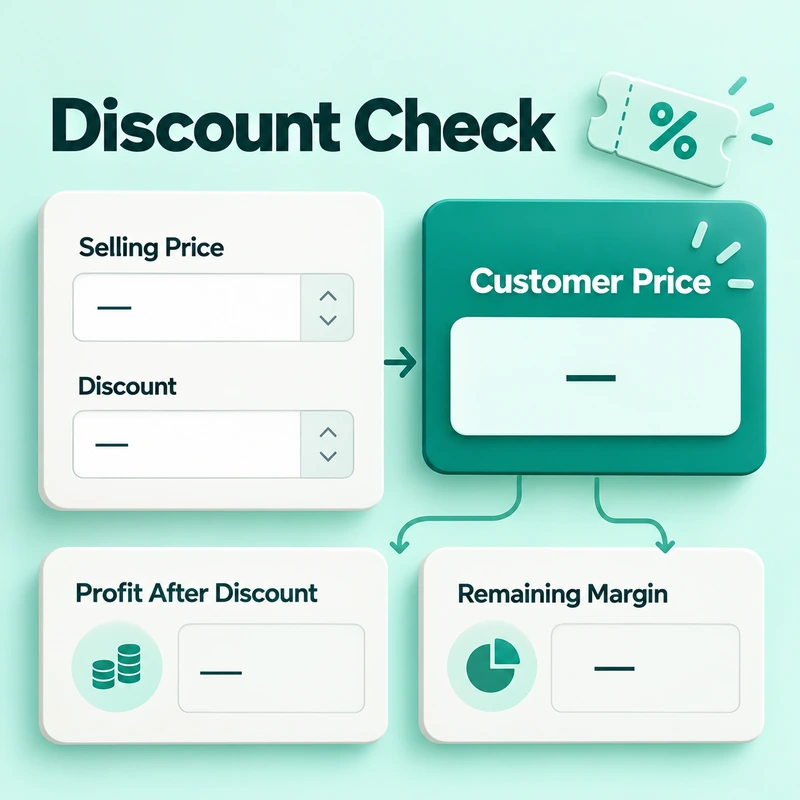
To view the final price for the customer, the fee amount, the remaining profit, and the profit margin, enter the expected selling price and the discount offered. This calculator supports both percentage-based discounts and fixed-amount discounts.
Even a slight reduction in prices can wipe out a significant portion of profit. For example, if the price per unit is 720 Pakistani Rupees and the sales charge is 8 percent, a sale of 1,000 Rupees would yield 200 Rupees. If you offer a 10% discount, the price drops to PKR 900, and profit falls to PKR 108, a 46% decrease.
If you enter two types of discounts, the calculator applies both a percentage-based discount and a fixed-amount deduction to the plan price. It then checks whether the remaining reserve meets your minimum reserve requirement. Simply generating positive revenue is not sufficient to justify a promotion (discount or offer).
BULK ORDERS & RETAIL SALES
Compare wholesale and retail profit
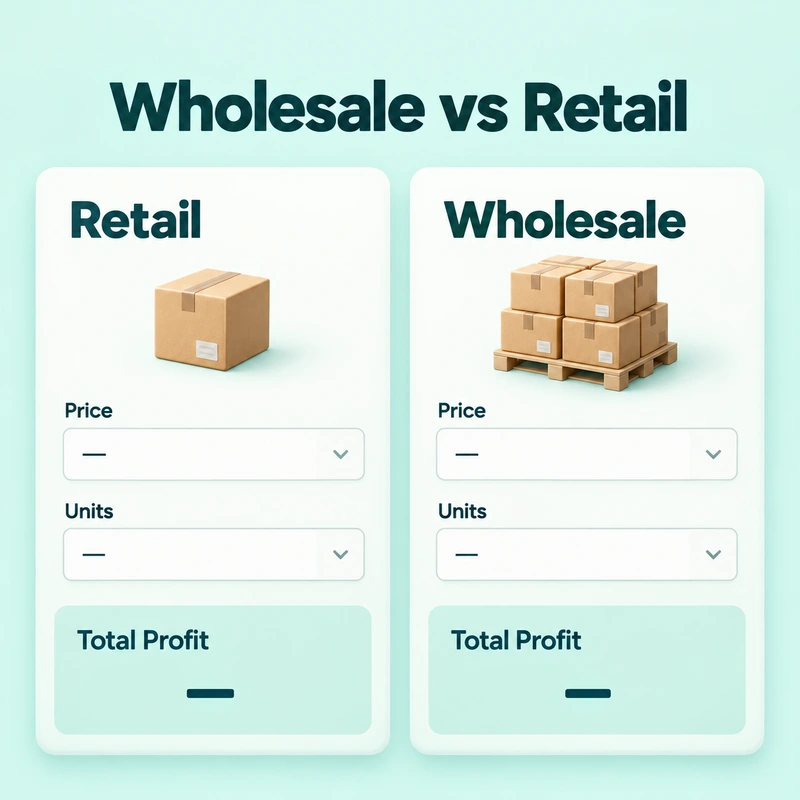
Wholesaling can generate higher overall profits at a lower unit price, but only if volume and prices support supply. Enter the sales price, estimated sales volume, and minimum wholesale quantity to compare results.
The calculator shows profit per unit, total retail profit, total wholesale profit, and the difference between them. It also flags wholesale quantities below the minimum you specify.
This comparison uses the same basic unit cost and expense assumptions for both prices. So, if a large number of orders change packaging, shipping costs, or units per order, update those inputs and run a different scenario. Consider payment terms, stock availability, and fulfillment capacity with implications for profitability.
COMPARE THREE PRICE OPTIONS
Find a workable price for your market
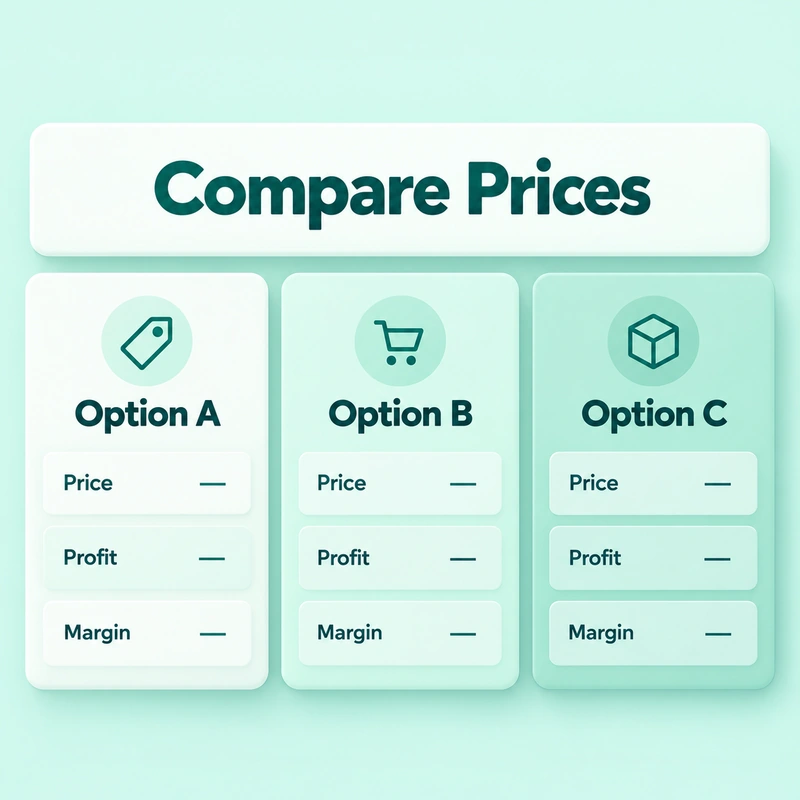
Use three price comparisons to examine alternatives at the same price. Each option displays its fee amount, expected profit, markup, and status features so you can see what's happening as you adjust the price.
There are pre-existing principles in the label: loss means negative profit. Low means the return is not negative and the return is less than 10%. Good coverage ranges from 10% to 25%. The best has a profit margin of over 25%. These ranges represent calculator categories and are not global standards for your industry.
A higher profit is only useful if customers buy at that price. If you list a competitor's selling price, use the comparison as the target context. This calculator does not validate this price or predict demand, conversion rates, or sales.
COST RECOVERY & SALES TARGETS
Separate break-even price from break-even quantity
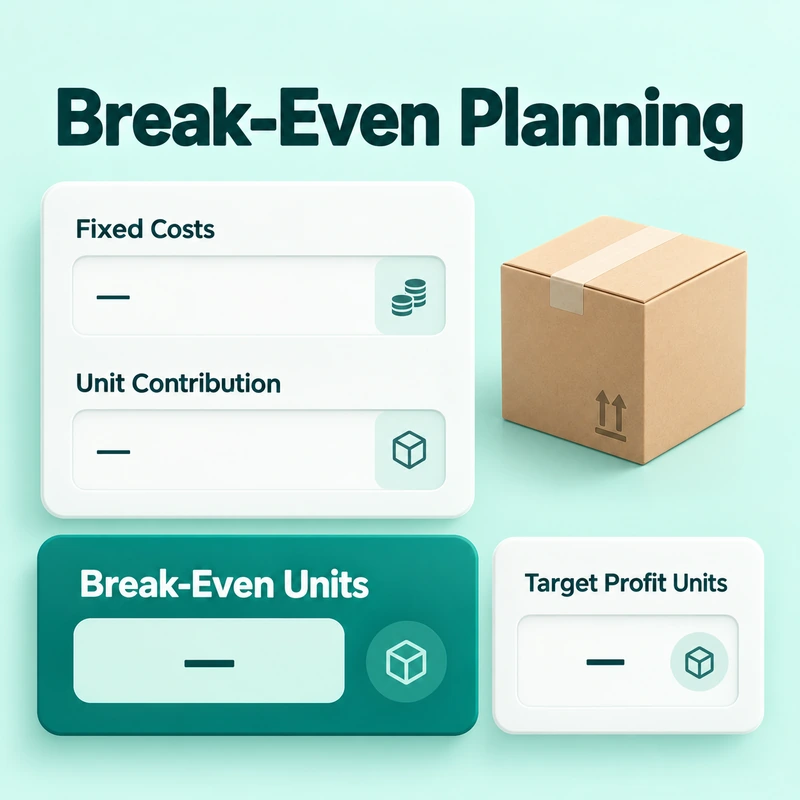
Break-even pricing covers unit costs and fees in your pricing model, leaving no profit. The break-even quantity answers another question. How many sales will incur a certain amount of fixed costs?
For quantity planning, the tool uses the fixed cost recovery field (excluding unit costs). If you leave it blank, it uses the monthly overhead. It then calculates the contribution per unit before assigning overhead, which avoids counting that overhead twice.
Break-even units = Fixed cost to recover ÷ Contribution per unit
Continue with the example of a sale price of PKR 1075. PKR 1075 minus PKR 86 in fees and PKR 600 in unit cost leaves an investment of PKR 389 before overheads. It takes 31 whole units to recover PKR 12,000 from the fixed cost. To target increasing profits, factor this target into fixed costs before distribution. A zero or negative contribution cannot recover positive fixed costs through higher sales.
Tip: Determine the price and sales target simultaneously. If your unit cost already includes storage costs, do not add them again here.
CHECK BEFORE YOU COMMIT
Use warnings to trace pricing problems
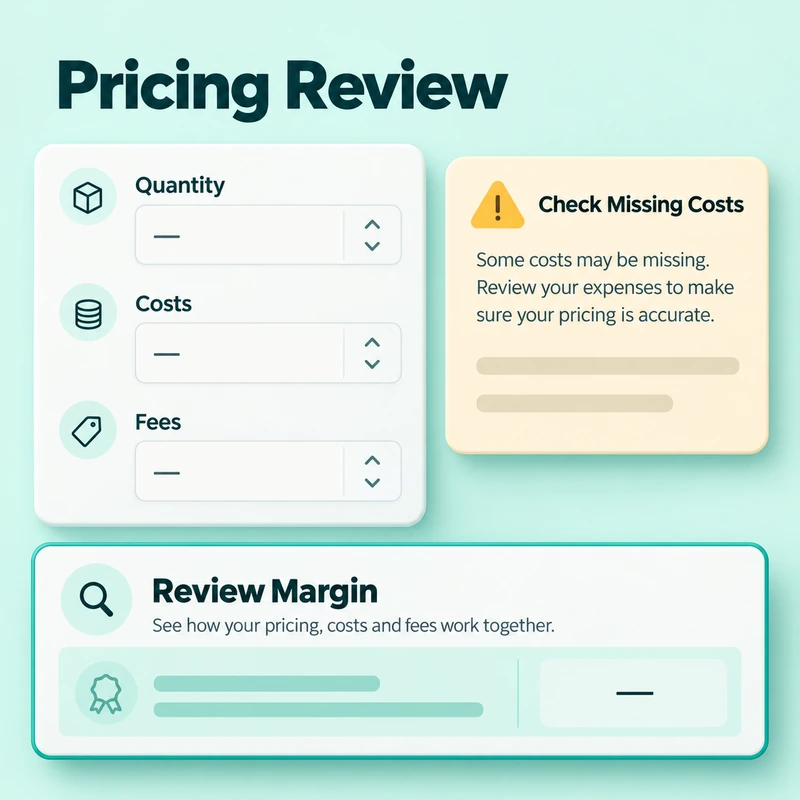
Warning can help you identify inputs or price points that require attention. Overhead costs, discounts that push margins below a certain threshold, or price points that fall below the break-even level—these are all factors worth investigating before launching an offer.
No results available: Verify that the quantity and purchase cost are positive and that all required data is correct.
Unexpectedly high prices: Review the selected methods, taking into account costs, units per order, fee ratios (percentages), and profit.
Invalid Margin: To achieve a positive cost basis, the sum of fees and the target margin must be less than 100 percent.
Profit looks too high: check whether you have missed overhead, shipping, return allowances or fixed charges.
Break-even is not available: verify that the selling price, cost per unit, and contribution are positive.
The calculator applies built-in rules to your inputs to generate pricing, health scores, and status messages. They do not validate prices, identify all missing prices, or guarantee that the market will accept the price.
KEEP YOUR PRICING CURRENT
Review costs when your business changes
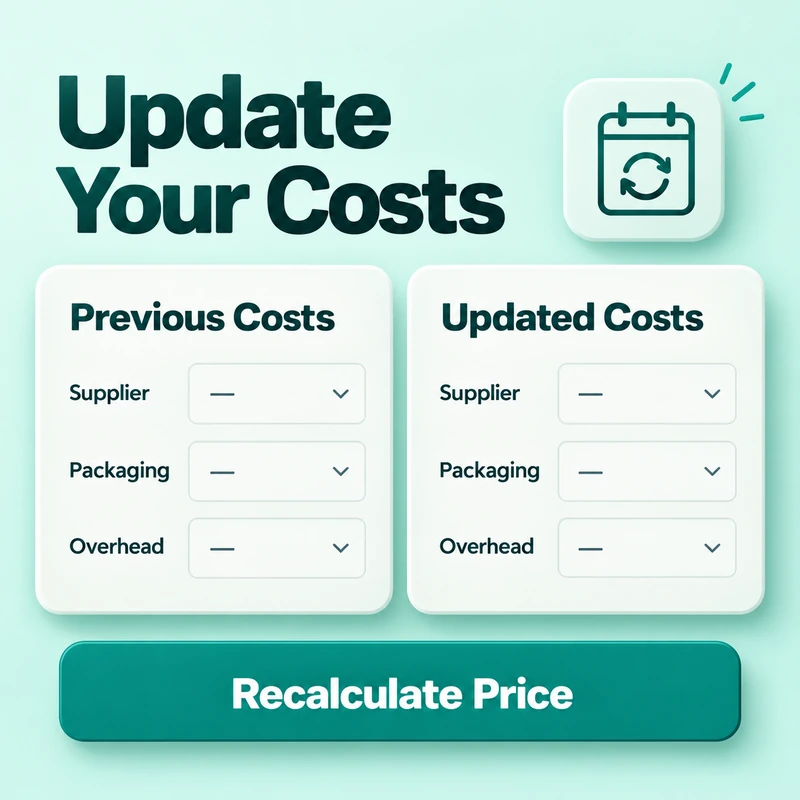
Whenever there is a change in supplier prices, packaging, wages, rent, fees, or projected sales, review your calculations. A price that covered your costs last month might result in a lower profit margin once new stock arrives. Save or export your previous calculations so that you can compare different scenarios.
Business presets guide local stores, online sellers, wholesalers, food businesses, manufacturers, delivery companies, and service providers. You can select the profit method and unit type. Therefore, verify these settings before performing any calculations. Use the placeholder examples as guidance, then enter your own figures.
For services, define a unit as a clear deliverable or package. If your quote depends heavily on factors such as hours, revisions, and the scope of the package, a freelancer package pricing calculator offers a more focused starting point.
Disclaimer: The calculator uses the information you provide to produce these planning estimates. They do not constitute a forecast, accounting advice, or tax advice. Before using these figures for commercial purposes, verify the actual costs and the applicable tax procedures.
PRACTICAL PRICING QUESTIONS
Frequently asked questions
Does changing the currency convert my funds?
No. The currency selection option only changes the displayed label. Convert the amounts into the different currencies yourself, and then enter them.
Does the calculator retrieve current fees or tax rates?
No. Prepare a list of the rates and tax-related procedures applicable to your sales. Review the current terms and conditions of your platform or payment provider, including details regarding the specific amounts to which each fee applies.
Why is the forecast different from the target total profit?
The calculator divides your target total profit by the purchased quantity to determine the required profit per unit. The forecast uses your expected sales quantity and the rounded price, along with your costs and fees, to estimate revenue and profit.
Can I reopen a saved calculation on another device?
Save Calculation uses the browser's local storage. It does not synchronize across different devices. If you need this data elsewhere, keep an exported record of it.
Why are Save Calculation and Load Saved Calculation disabled?
Privacy mode disables both of these actions. Enabling it does not delete previously saved calculations. To remove saved entries, use Clear Saved Data.
Can the calculator select a price that customers will accept?
No. It calculates results based on the data (inputs) you provide. Use this result in conjunction with customer feedback, competitor offerings, and realistic sales expectations.