Numbers in Word Form
AMOUNTS IN WORDS
Numbers in Word Form for PKR and Everyday Documents
Use this number-to-words converter to write an amount in words in English, Urdu, or both languages. Select PKR, USD, SAR, or Plain Number, and then compare the formatted numeric figure with the written result. You can also copy this wording into an invoice, payment voucher, or rental agreement.
For example, in PKR mode, 125,000 amounts to exactly one hundred and twenty-five thousand Pakistani rupees. The Urdu output displays one hundred and twenty-five thousand Pakistani rupees only. Both represent the same amount, utilizing the numbering style specific to each language option.
The converter also provides compact cheque wording, a TXT download, and a history of your last five saved conversions. Start with the amount you need to write, then check the result against your document.

QUICK START
How to Convert an Amount and Save the Result
1
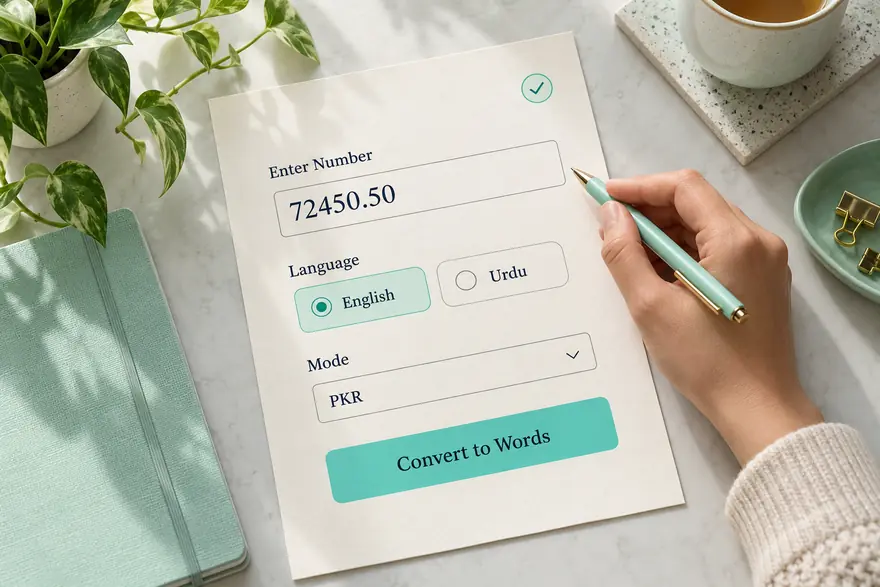
Enter your number. Type or paste a value—for example, 72450.50. Grouping digits with commas is also acceptable, so you can enter 72,450.50. Do not include currency symbols or labels (such as Rs or PKR).
2
Select language and mode. Choose English, Urdu, or English + Urdu. Then choose Pakistani Rupees, US Dollars, Saudi Riyals, or Plain Number to match the wording you need.
3
Review the preview. Valid input updates the Formatted Number, In Words, and Cheque Format fields as you type. Before copying anything, check the numbers, decimals, and the currency you have chosen.
4
Save and use the conversion. Click Convert to Words or press Enter to save the correct conversion to history.
Tip: To add or subtract 1, use the small up and down buttons next to the number. They keep the decimal part, so 24.50 increases to 25.50.
FOUR CONVERSION MODES
Choose PKR, USD, or SAR or Plain Number
Currency modes make the decimal part a named subunit. For instance, PKR uses paisa, USD uses cents, and SAR uses halalas. Plain Number leaves out currency names and reads each decimal digit separately.
The examples below show the resulting English wording. Currency formats accept up to two decimal places. In contrast, plain number accepts up to six decimal places. If you enter additional digits, correct the amount before proceeding, as the tool rejects extra decimal digits instead of rounding them.
Mode
Example input
English result
PKR
48750.25
Forty-Eight Thousand Seven Hundred Fifty Pakistani Rupees and Twenty-Five Paisa Only
USD
125.01
One Hundred Twenty-Five US Dollars and One Cent Only
SAR
860.50
860.5 Eight Hundred Sixty Saudi Riyals and Fifty Halalas Only
Plain Number
3.140000
Three Point One Four Zero Zero Zero Zero
Changing the mode changes the currency wording. The converter keeps your numeric amount. It does not calculate exchange rates. For examples of general numbers, measures, or classes, select General numbers.

ENGLISH AND URDU
Understand Lakh, Crore, and Billion
English output uses thousand, million, and billion. Urdu uses ہزار, لاکھ, کروڑ, and ارب. These are the tool's output conventions. However, your receiving document may require a different wording style.
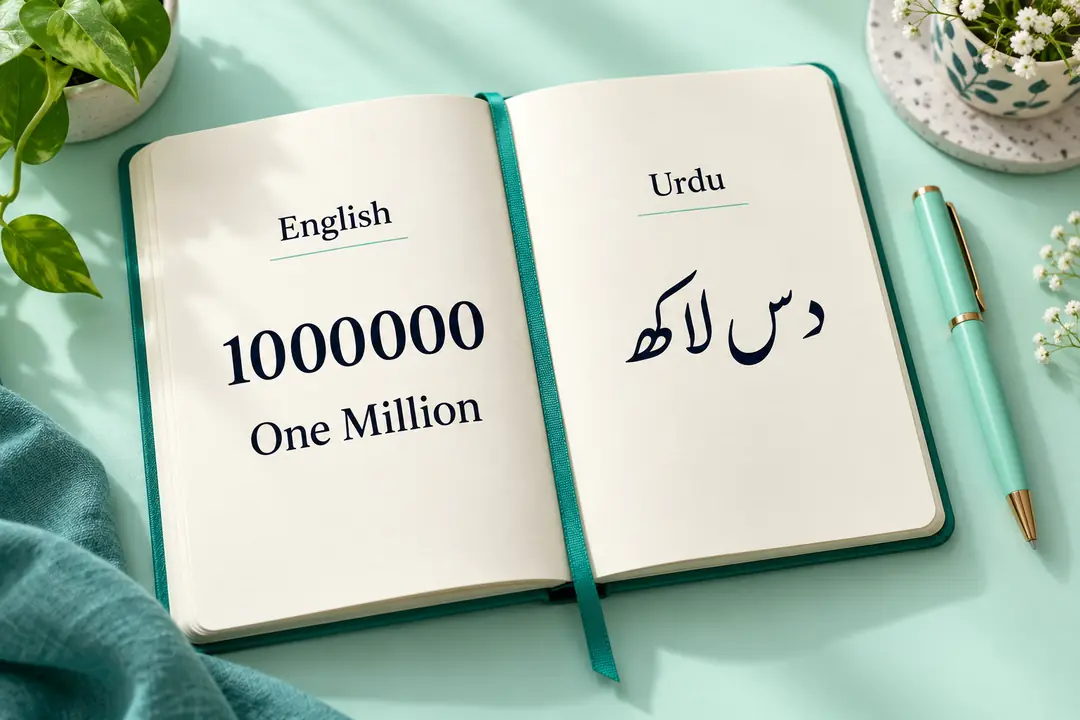
The Formatted Number field uses the Pakistani comma grouping style in every mode. For example, 1,000,000 is displayed as 10,00,000. When English is selected, it appears as One Million, whereas when Urdu is selected—in Plain Number mode—it appears as دس لاکھ (das lakh). While commas alter the visual appearance of the digits, they do not change their actual value.
Value
Pakistani grouping
Equivalent names
100000
1,00,000
One Hundred Thousand / ایک لاکھ
1000000
10,00,000
One Million / دس لاکھ
10000000
1,00,00,000
Ten Million / ایک کروڑ
1000000000
1,00,00,00,000
One Billion / ایک ارب
Select English + Urdu to view separate lines of results for each language. This converter also accepts Urdu/Persian digits (such as ۱۲۳) and Arabic-Indic digits (such as ١٢٣), so you can paste any supported numerical value here without needing to retype it using English digits.
COPY AND DOWNLOAD
Use the Words and Cheque Format in Your Documents
Each result field has its own copy icon. If you need grouped numbers, copy formatted numbers. If you need amounts with currency names, copy the words. When you need shorter wording, copy Check Format. Alternatively, use Copy All to copy all three fields with their labels.
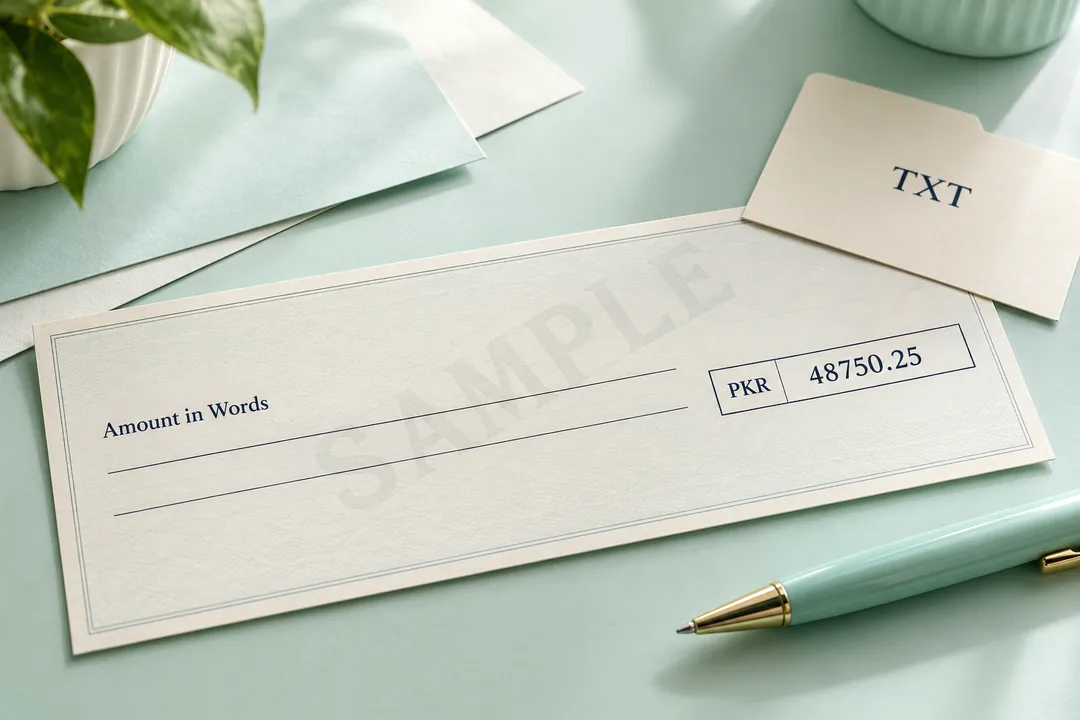
For 48750.25 in PKR mode, In Words reads Forty-Eight Thousand Seven Hundred Fifty Pakistani Rupees and Twenty-Five Paisa Only. The format of the check was forty-eight thousand seven hundred fifty twenty-five paisa only. The shorter line omits the name of the main currency and adds Only. It does not add a rupee prefix or /-- suffix.
Download TXT. Save the merged results as plain text. For example, keep the TXT file with your invoice notes or payment records. For a freelance invoice, settle the project fee first, then convert the agreed amount. If you are preparing a rent agreement, check that the numeric rent and written amount match before you use the draft.
Disclaimer: The cheque format is a wording helper. Confirm the currency, numeric amount, and required wording with the receiving bank or institution before using it on a cheque or official document.
HISTORY AND PRIVACY
Manage Saved Conversions on Your Device
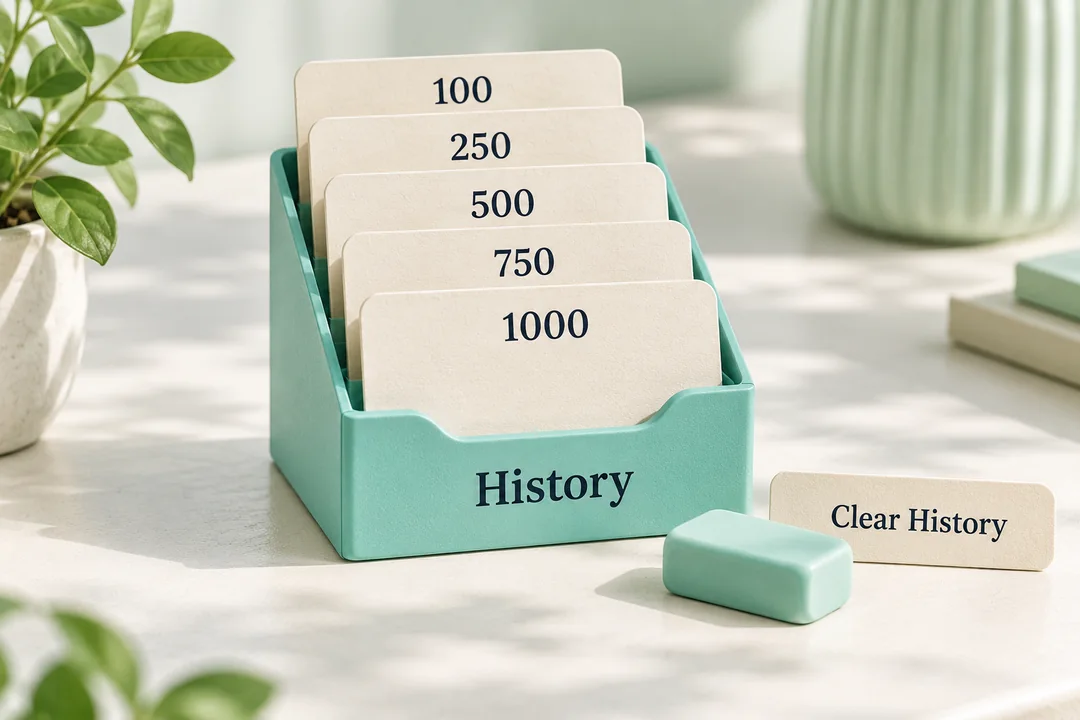
This browser keeps a record of your last five saved conversions. Click Convert to Word or press the Enter key to save the results. Entering a new amount will update the preview, but the list will remain unchanged.
Select a saved track to restore its number, language, and mode. A copy-check feature is also available for each record. Using Clear/Reset will erase the current input and revert the settings to English and PKR, whereas deleting a record will remove that saved record entirely.
This converter processes numbers directly within your browser and does not require an external conversion service. It utilizes local browser storage to save your history as well as your light or dark mode preferences. Note that your saved history may persist even after you close the tab and could be visible to others using the same browser profile.
If your browser blocks local storage, the change might still work, but your history may not be available, and your theme preference might not be preserved. For details regarding website data practices, refer to the privacy policy.
Note: On a shared computer, use Clear History before leaving. However, Clear / Reset does not erase saved conversions.
INPUT CHECKS
Fix Decimal Comma and Number Limit Errors
Enter a numeric value, which may optionally include a decimal point and commas in the correct positions. This tool accepts both the Western format (1,234,567) and the Pakistani format (12,34,567). It does not accept spaces between digits, letters, currency symbols, or incorrect grouping of digits (such as 12,34).
If you encounter an issue with a decimal amount, check the selected mode. For example, 123.456 exceeds the two-decimal-place limit used for currency. When entering a currency amount, ensure there are no more than two digits after the decimal point; alternatively, if it is a standard decimal number, select Plain Number. This tool does not automatically round financial amounts for you.
1
Maximum value for the whole-number part: 99,999,999,999, displayed as 99,99,99,99,999.
2
PKR, USD, and SAR: Non-negative amounts with up to 2 digits after the decimal point.
3
Plain Number: positive or negative numbers with up to six decimal digits.
4
Input length: up to 32 characters after trimming spaces at the beginning and end.
An invalid entry clears the results and disables copy and download actions. Then, correct the highlighted issue to restore the preview. If there is no response, ensure that JavaScript is enabled and reload the page. If automatic copying fails, select the result text and copy it manually.

QUICK ANSWERS
Common Questions About This Converter
Are hyphens used in English results?
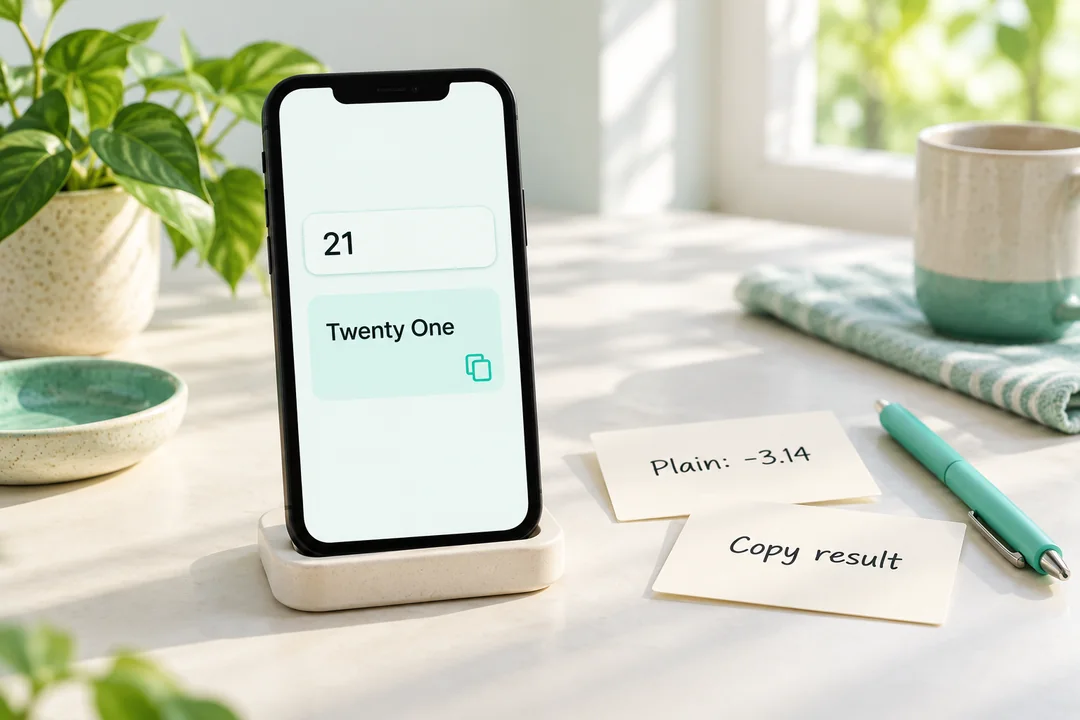
Current tools use spaces to write composite numbers—for example, twenty-one. If your document requires 21 or any other format, make the necessary adjustments to the text before using it.
Can I enter a negative amount?
In case of negative values (-3.14), select the plain number. A negative amount is not acceptable for PKR, USD, or SAR. Furthermore, the reduction process stops when these values approach zero.
Why does 0.5 become fifty paise?
In PKR mode, 0.5 signifies half a rupee—meaning its unit is 50 paisas. In terms of standard numerical values, this same entry is read as zero point five.
Can I convert multiple amounts at once?
The converter processes one input at a time. Save individual results to the history so you can retrieve them later if needed. Batch files cannot be uploaded.
Can I use it on my phone?
This tool offers a responsive layout for narrow screens. In mobile browsers that support JavaScript, you can enter values, select options, and use result controls. If browser permissions prevent copying, select the text manually and copy it.
Are you ready to write down your amount?
Enter it into the converter provided above, check the selected mode, and compare the digits with the words before copying the result.