How Do You Spell
NUMBER SPELLING
How Do You Spell 10 and Other Numbers
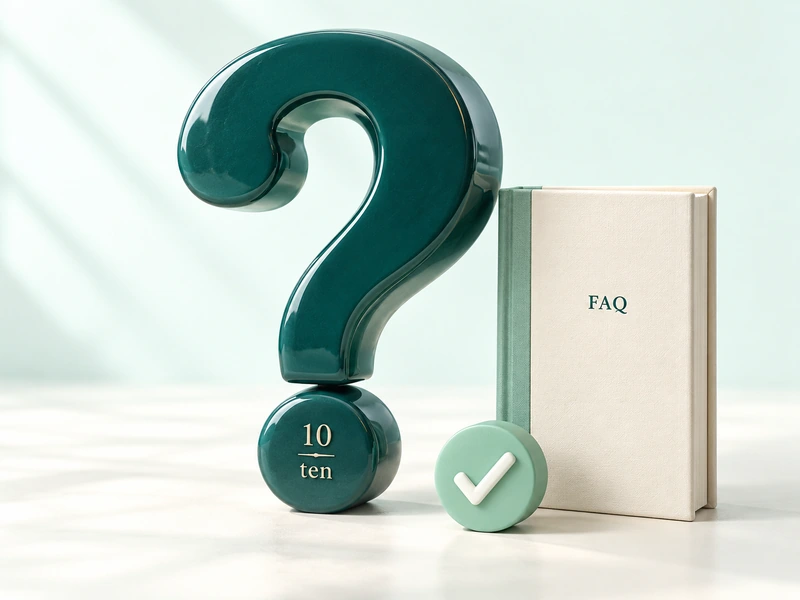
The spelling of 10 is t-e-n. To check any other number, enter it into the (how do you spell) tool provided above. This tool writes out numbers in English words, allowing you to compare American and British styles, listen to the results, or copy the spelling.
Use this to quickly check homework, review numbers containing spelling errors, or examine long numbers that are difficult to read aloud. The Spelling tab focuses on individual numbers, while the Range, Reverse, and Practice tabs contain lists of numbers, written-out phrases, and spelling exercises.
Number
In words
10
ten
21
twenty-one
100
one hundred
1,000
one thousand
This tool works with numbers written in English (number words). It does not check the spelling of ordinary sentences, names, or unrelated words.

QUICK START
Turn a Number Into the Words You Need
1
Open the spell checker and enter a number in the Number field, such as 42 or 1205.
2
Select US English or UK English and select the desired format. Leave Standard selected for ordinary number words.
3
Choose sentence case, lowercase, heading case, or uppercase. The results update whenever you make changes to the inputs or settings.
4
Review the words, then copy the results, listen, or download a TXT file.
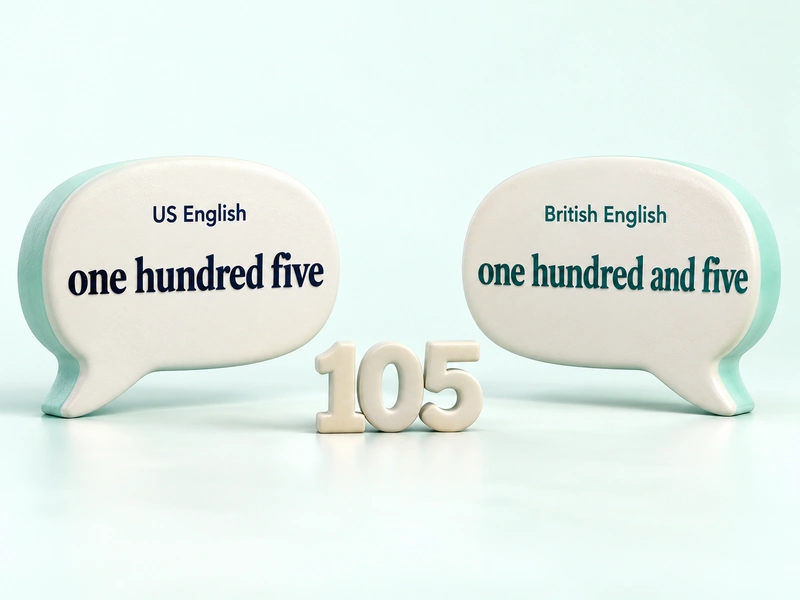
Comparing different styles of English reveals a useful distinction. For example, the number 105 is written as one hundred five in the American style and as one hundred and five in the British style. The value of these digits is the same.
If no results appear, check the highlighted message. Use English numerals and include commas as necessary, ensuring that the commas separate the digits into groups of three. The whole-number portion cannot exceed 999,999,999,999; each entry may contain a maximum of 128 characters.
SPELLING AND SOUND
Catch Tricky Spellings and Hear the Words
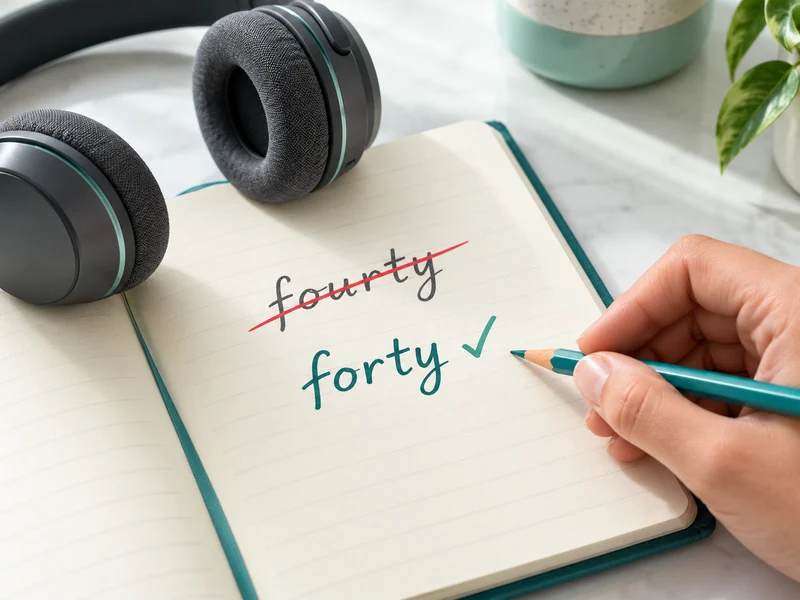
Some number words are easy to confuse even if you know the numbers. Forty drops the u in four, but ninety keeps its e. This tool includes spelling tips and quick pointers to help you find common mistakes.
40 is forty, not fourty.
90 is ninety, not ninty.
12 is twelve, and 15 is fifteen.
For longer results, enable the spelling breakdown to view the individual components of the numbers. If you prefer to listen at a slower pace, use the listening feature and adjust the speed. In addition, the written pronunciation guide offers another way to practice the sounds.
Note: Pronunciation guidelines are approximate. The availability of audio, as well as the accent and voice quality, depend on your browser and its voice service.
NUMBER FORMATS
Choose Standard Ordinal Year or Currency Wording
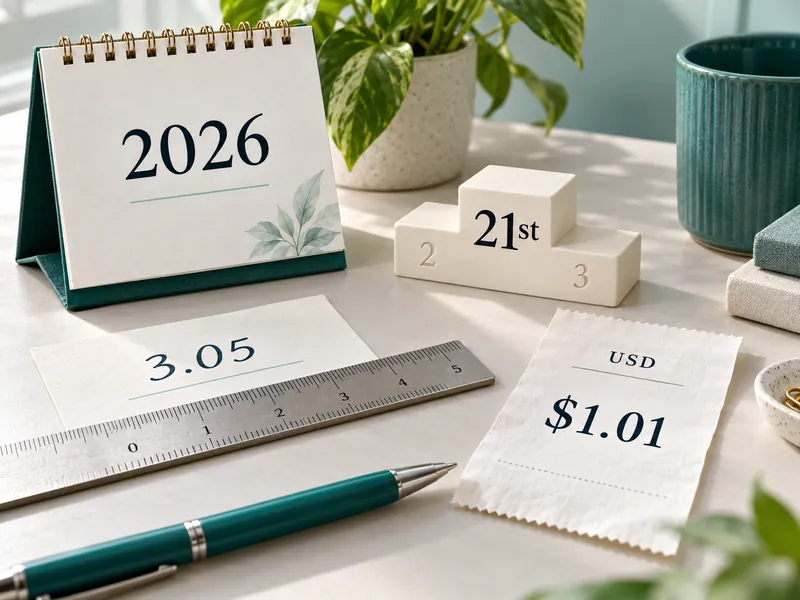
The meaning of a single number can vary depending on the context. Standard represents a quantity, ordinal indicates a position or sequence, and year follows the year-formatting style selected in the tool. Enter the digits in the Number field and then select the format. For example, enter 21 and select Ordinal to get twenty-first.
Format
Input
Example result in US style
Standard
21
twenty-one
Ordinal
21
twenty-first
Standard decimal
3.05
three point zero five
Year
2026
twenty twenty-six
Currency USD
1.01
one dollar and one cent
The standard handles decimals separately and preserves trailing zeros. Ordinals and years require integer values. Currency options cover USD, PKR, and GBP, with a maximum of two decimal places. However, the tool rejects currency inputs with more than two decimal places instead of rounding them.
Note: Currency mode prints the entered amount. It does not convert it using the exchange rate. If a currency symbol is included, ensure it corresponds to the selected currency. Verify all relevant terminology before using the results in any formal document.
To write out amounts in words in English and Urdu, use a separate tool called Numbers in Word Form.
WORDS TO DIGITS
Check a Written Number With Reverse
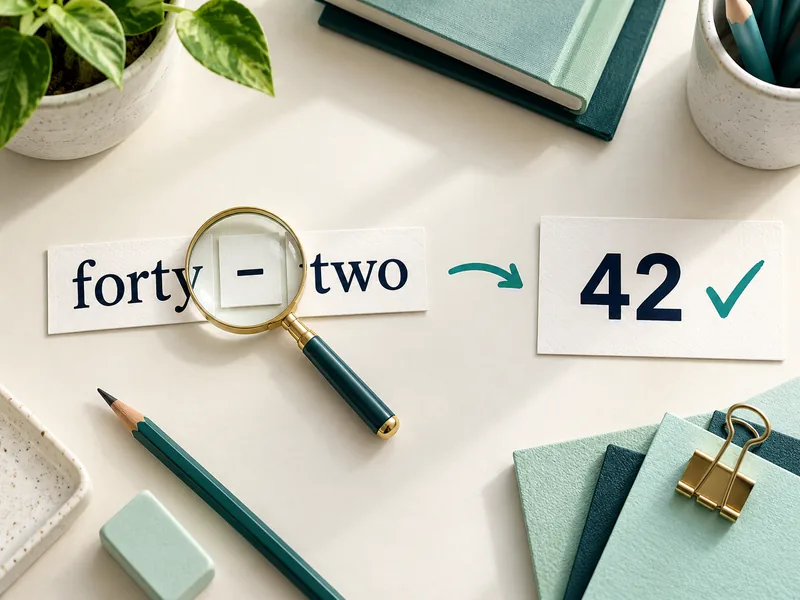
Open Reverse when you want to check a number written in words. Enter a phrase such as forty-two, twenty-first, or one point zero five. The tool displays numerical results and a spell checker so you can compare the phrase to the desired value.
Forty-two becomes 42.
Twenty-first becomes 21.
One point zero five becomes 1.05.
Reverse can identify a small set of known spelling mistakes. For example, fourty-two returns 42 and highlights the corrected spelling, forty-two. It also checks word order, so a phrase such as (one one) does not produce a successful result.
This is a number phrase checker, not a general spell checker. If it cannot validate your sentence, use standard English number words and write out each decimal digit individually after the decimal point. Sentences involving currency or general statements fall outside the scope of this mode.
LISTS AND WORKSHEETS
Build a Number List or Printable Spelling Worksheet
When you need multiple items at once, use the Range option. Select a numeric range, enter the starting and ending numbers, and choose your preferred English format (such as standard or ordinal). The generated list includes both endpoints (within the specified limits). For example, a range from 1 to 20 includes both 1 and 20.
Under Selected Values, choose Custom List and enter a number for each row. Custom standard lists can also include negative numbers and decimals. You can generate up to 1,000 results at a time, with each preview page displaying ten rows.
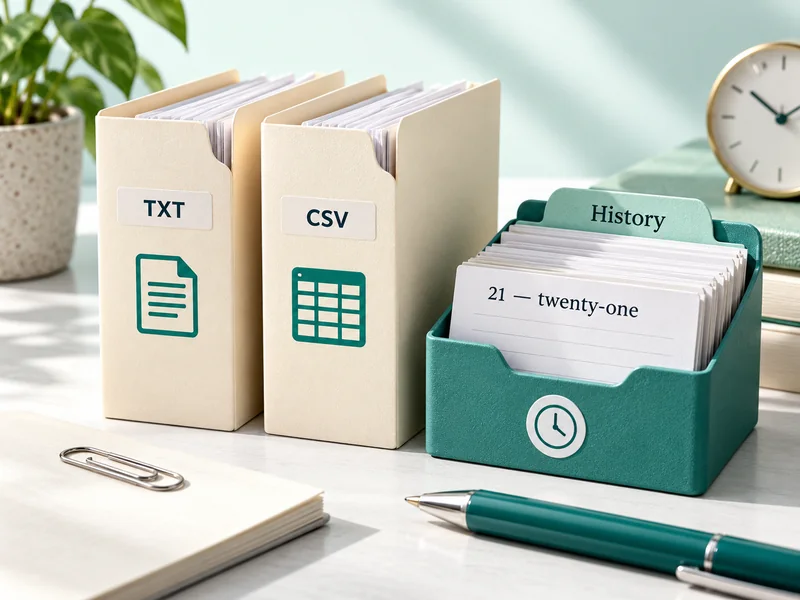
Copy All, Download TXT, and Download CSV include all generated lines, even those beyond the current page. As a result, you can prepare class notes or transfer the spelling list into a spreadsheet.
Open a printable spreadsheet to print all results or just the current page. Select only individual answer keys or questions. If the option is available, you can also save a PDF file using your browser's print dialog.
SPELLING PRACTICE
Practice Number Words and Retry Missed Questions
Practice turns a quick lookup into a short spelling exercise. Choose a difficulty range, select 5, 10, or 20 questions, and set your English style and practice format. You can practice standard number words or ordinals.
Type your spelling and select Check Answer. The tool evaluates your attempt and displays the expected words. Use Next Question to continue, or skip the question if you wish to see the answer before moving on.
At the end of the round, review your score and missed spellings. Then, select Retry missed questions to practice those items again without starting a new set.
Uppercase and lowercase letters do not affect the score, and spaces can replace dashes, but numbers and the chosen English style are still important.
As another educational activity, check out the British Council’s games related to numbers from 11 to 20.
SAVE AND REUSE
Copy Results and Manage Your Recent Lookups
Use to copy the results of a single spell or download a TXT to save with your notes. Area lists also provide CSV export capabilities. WhatsApp opens only when you choose to share; if a list is too long for one message, copy or download it instead. Use a document formatter to prepare a transcribed list of spellings for a handout.
History keeps the last eight successful lookups from Spell on this device. Then, select Re-use to restore the number and its saved settings. Reset clears the current workspace and reverts to spelling, while clearing history deletes saved search lists.
Spelling calculations are performed within your browser. Where available, history and light/dark mode preferences are saved using local browser storage; a browser that blocks such storage will not be able to retain these settings. The audio feature utilizes the browser's speech service, while the sharing function transfers the selected text to WhatsApp.
Tip: On a shared computer, use Clear History before you step away. Performing a reset does not remove saved lookups.
QUICK ANSWERS
Frequently Asked Questions About Number Spelling
How do you spell 10 in English?
10 is written as ten (t-e-n). Enter 10 under Spell and leave Standard selected to check the result.
Are hyphens required in all numbers from 21 to 99?
Compound numbers, such as twenty-one and sixty-four, use a hyphen. Whole tens—including thirty and ninety—consist of a single word and do not require a hyphen.
Why does 0.50 become zero point five zero?
For example, Standard reads 0.50 as zero point five zero, preserving both decimal digits. The currency format, by contrast, treats the fractional part as a sub-unit—for example, fifty cents in USD mode.
Can I enter a number as 1,00,000?
Use 100000 or 100,000 instead. This tool accepts commas in groups of three and writes this value in English as one hundred thousand.
Should I enter 21 or 21st for the ordinal number?
Enter 21, then choose Ordinal. The result is twenty-first. The Number field expects digits, so do not add st, nd, rd, or th.
Will this tool preserve the leading zeros?
No, it treats the input as a number, so 007 becomes seven (7). For phone numbers or codes where every digit must be preserved, write the digits separately.
Why is hear it unavailable, or why is it not working?
The audio depends on your browser and its speech service. If you cannot hear the sound, please use the written pronunciation guide. The spelling results remain useful even without the audio.
Does a reset delete my saved history?
No, Reset clears the current workspace but retains saved lookups. Use clear history to remove them—especially when using a shared computer.