
Gregorian to Hijri Converter
HIJRI & GREGORIAN DATES
Hijri Date Converter for Both Calendars
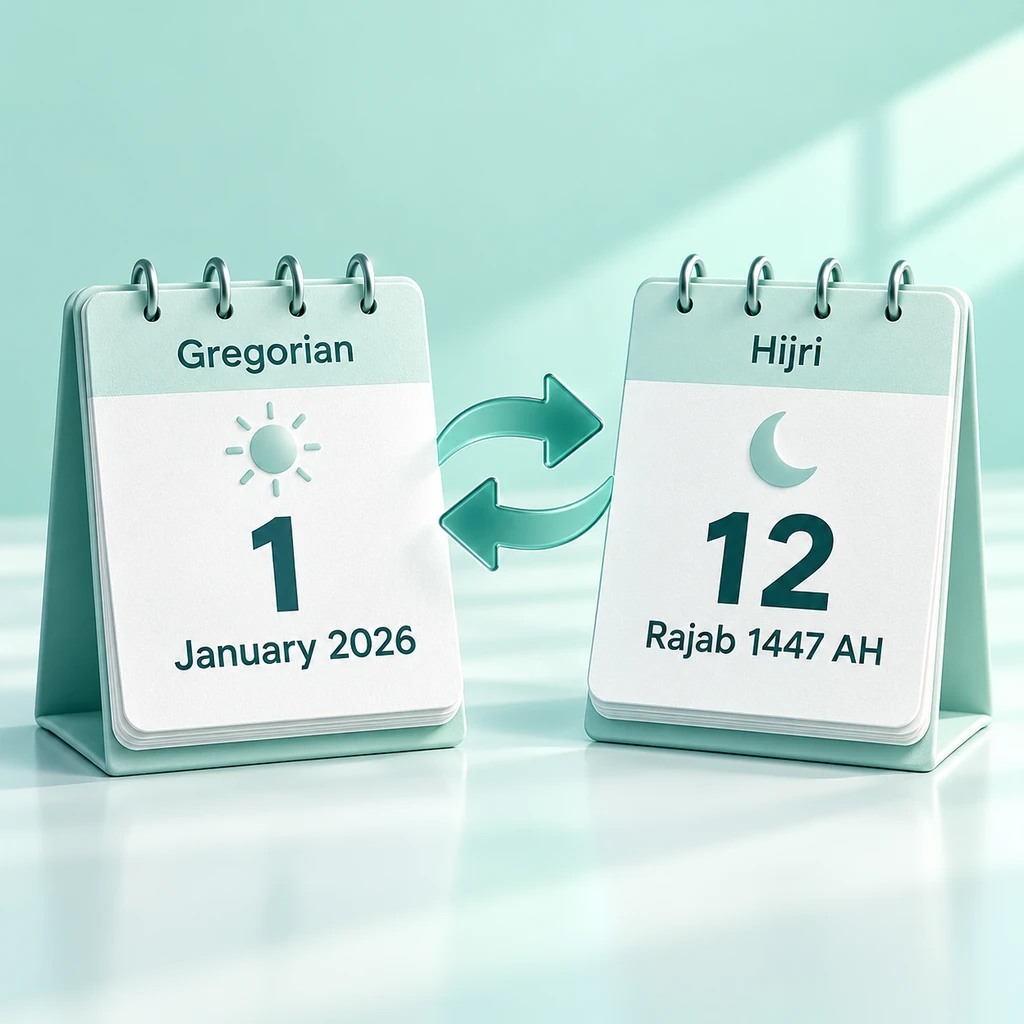
Convert a Gregorian date to the Hijri calendar, or enter a Hijri day, month, and year to find the corresponding Gregorian date. Both calendars stay visible, so you can read both dates without switching pages.
The result includes the day of the week, the name of the month, and the calculation method. For example, use the converter when family records, study notes, or event plans need a date in both calendars. Selecting the correct calculation method is important, especially when comparing the result with another calendar.
Convert in any direction.
Read both dates together.
Look at the workdays and procedures in the results.
START WITH YOUR DATE
How to Use the Hijri Date Converter
Start with the calendar you are already familiar with. Any change made in one panel updates the corresponding date in the other panel. Therefore, you do not need to press a separate Convert button.
1
Enter the Gregorian calendar date or enter the Hijri calendar day, month, and year.
2
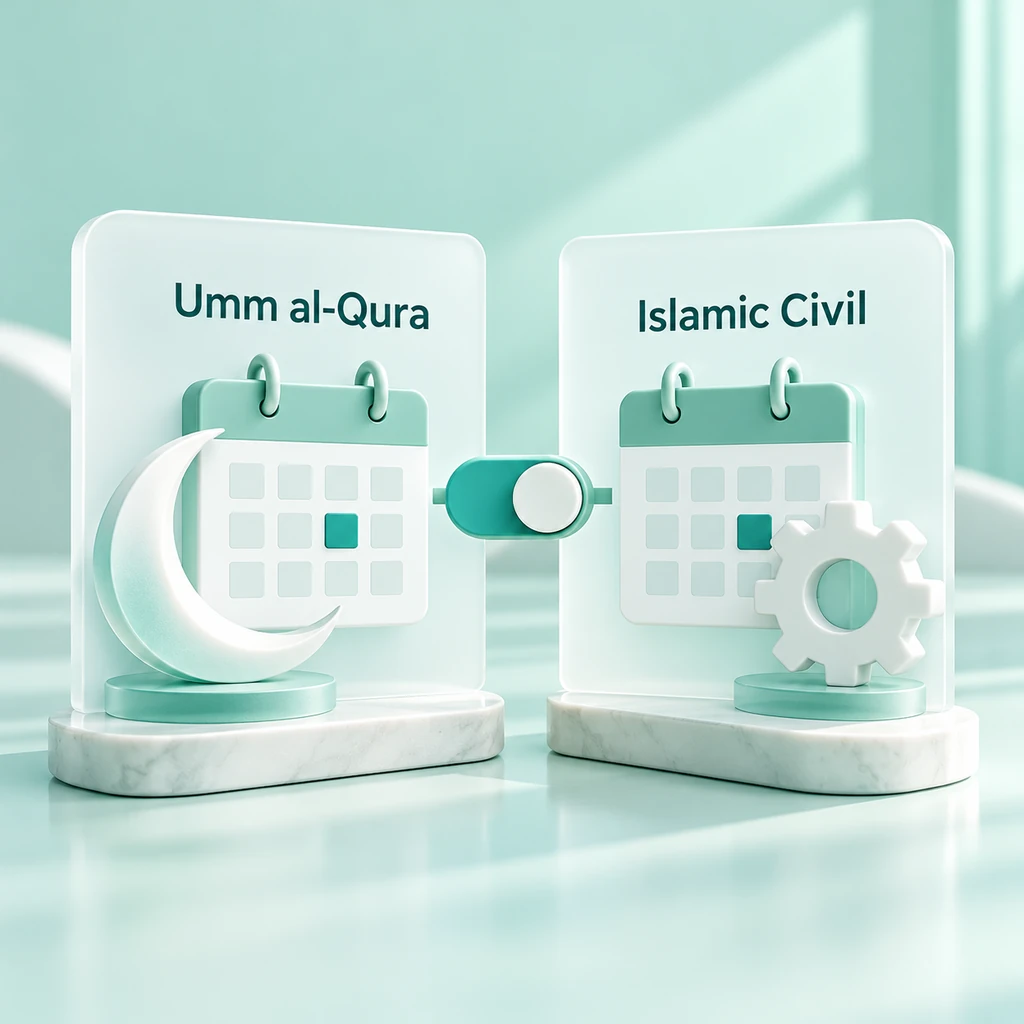
Under the Calculation Method, select Umm al-Qura or Islamic Civil.
3
For a standard date check, leave Day starts at Maghrib off. Turn it on only when you need the manual after-sunset adjustment.
4
Read both dates and then tick Alternative Method if you need a comparison.
5
Use Copy, Save, Share, or Export to reuse the result.
Example—Default day date control: Enter January 1, 2026, select Umm al-Qura, and turn off the Maghrib option. The converter returns 12 Rajab 1447 AH. This is an example result under those settings, not a moon-sighting announcement.

CALENDAR METHODS
Compare Umm al-Qura and Islamic Civil
Saudi Arabia uses the calculated Umm al-Qura lunar calendar. Islamic Civil follows an arithmetic pattern of months and leap years. Because the methods use different rules, the same Gregorian date can produce different Hijri results.
Select the method used by the calendar or record you wish to examine. The Alternatives panel displays other calculations for the same date. Any discrepancy between them suggests that you should investigate the prevailing convention, rather than assuming that one of the results contains a typographical error.
Note: This converter uses data from Umm al-Qura for the period 1300 to 1600 AH, which requires browser support. Outside this range, or if browser support is unavailable, the converter uses a labeled Islamic civil fallback. Selecting Umm al-Qura does not remove this limitation.
AFTER-SUNSET DATES
Use the Maghrib Option for Evening Checks
For a day that begins at sunset, there is a manual switch to adjust the Hijri date. When using a Gregorian input, enabling this switch advances the resulting Hijri date by one day while keeping the selected Gregorian date visible.
Conversely, the converter applies the reverse adjustment to Hijri input and shows the preceding Gregorian evening. This is useful for evening meetings or reminders, specifically when you need to distinguish the Gregorian date from the Hijri day being observed.
Note: This tool does not record your location, nor does it calculate the time of sunset. Activate this option only if the post-sunset rule applies to the date you are examining.

QUICK DATE SHORTCUTS
Check Today or Move to the Next Friday
Today loads the current local date on your device. Tomorrow and yesterday move you forward or backward from the selected date, allowing you to navigate to surrounding dates without having to re-enter them.
Alternatively, select Next Friday to jump to the Friday after the selected date. If you are already viewing a Friday, it moves ahead by seven days. These shortcuts help when checking a weekly class, a mosque notice, or the evening before an event.
Tip: When you mean tomorrow (the coming day), start from today. Select today first, then tomorrow. If you are viewing a past date, selecting tomorrow will advance that date.
After the change, use the Online Days Calculator to count the number of days between two Gregorian dates.

HIJRI MONTH GUIDE
Know the Twelve Hijri Months
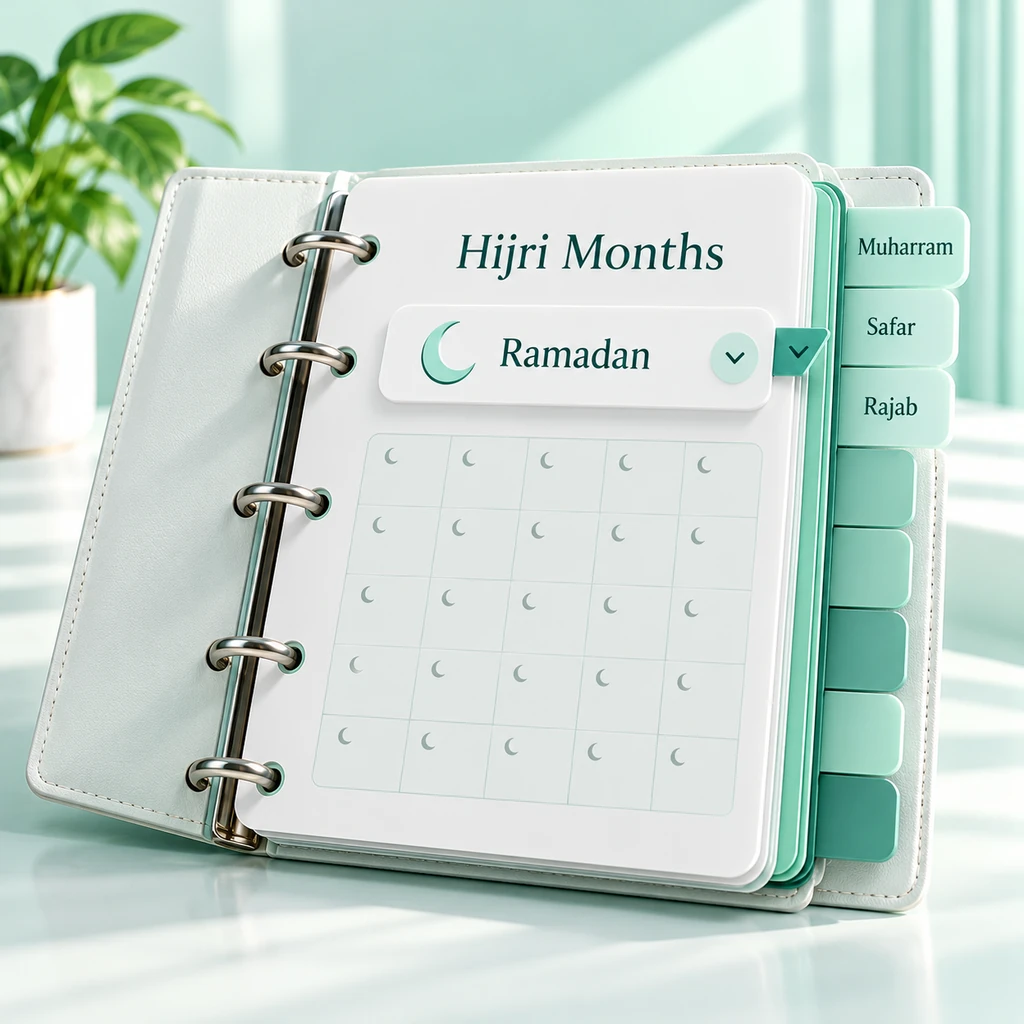
The Hijri month picker lists all twelve months in calendar order. Select the appropriate month, then enter the day and year. Note that because transliterations of names may vary, the same month might be written slightly differently elsewhere.
The Hijri year is based on lunar months, whereas the Gregorian calendar follows the solar year. Consequently, rather than falling on the same date every year, Ramadan and Eid al-Fitr shift in relation to the Gregorian calendar.
1
Muharram
2
Safar
3
Rabi al-Awwal
4
Rabi al-Thani
5
Jumada al-Awwal
6
Jumada al-Thani
7
Rajab
8
Shaban
9
Ramadan
10
Shawwal
11
Dhul-Qadah
12
Dhul-Hijjah
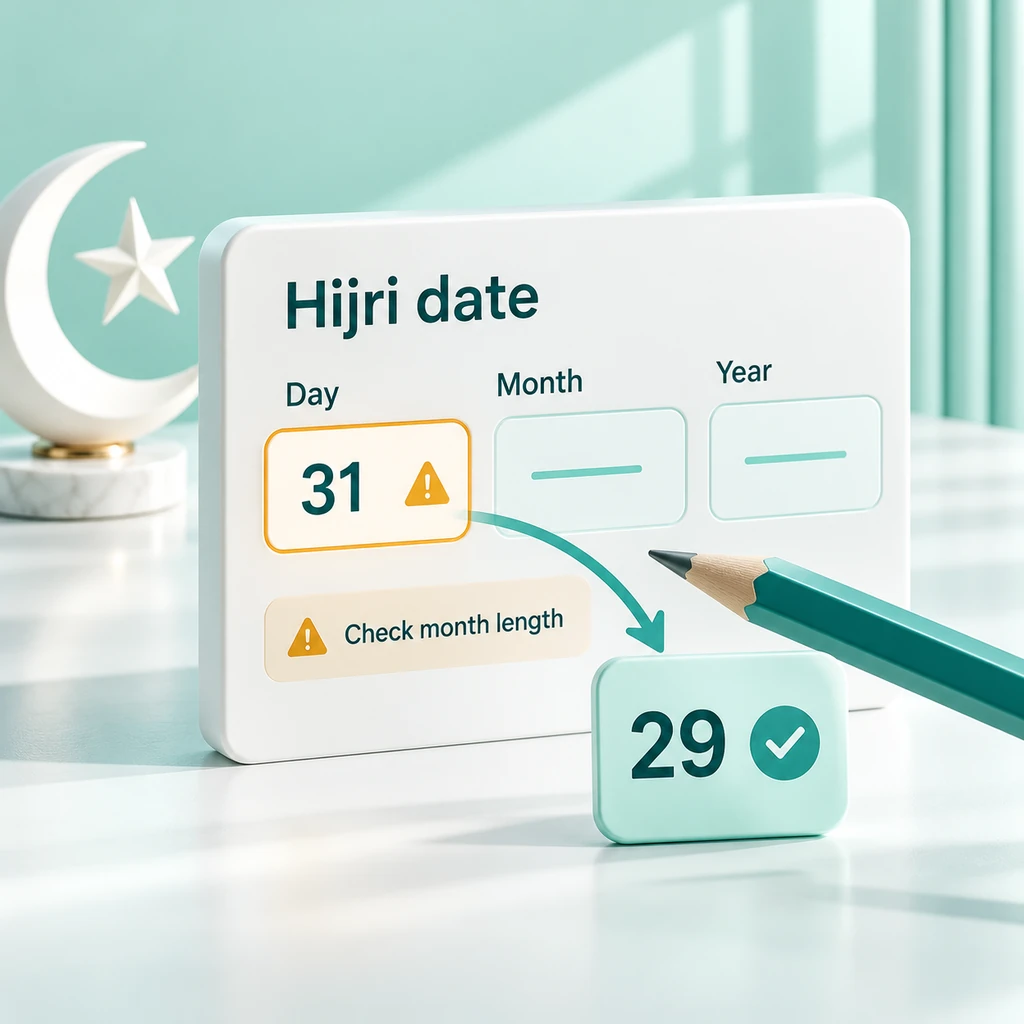
Using the information provided alongside the results regarding the length of the month, determine whether the 30th day exists for the selected month, year, and method. A Hijri month can consist of 29 or 30 days.
RAMADAN & EID PLANNING
Plan Ahead, Then Confirm the Observed Date
Use these calculated dates to plan your Ramadan schedule, projects, family visits, or travel for Eid. If a school, employer, or booking service requires dates according to the Gregorian calendar, it can be helpful to keep both calendars on hand.
Local moon sighting bulletins may differ from the calculated calendar. In Pakistan, see the Central Ruet-e-Hilal Committee announcement of the month. Elsewhere, follow the authority or community whose calendar you observe.
Disclaimer: This converter does not confirm moon sightings or determine the official start of Ramadan or Eid. Confirm dates before proceeding with religious services or firm reservations based on advertised dates.

SAVED DATES & RECENT CHECKS
Keep Useful Date Pairs in Your Browser
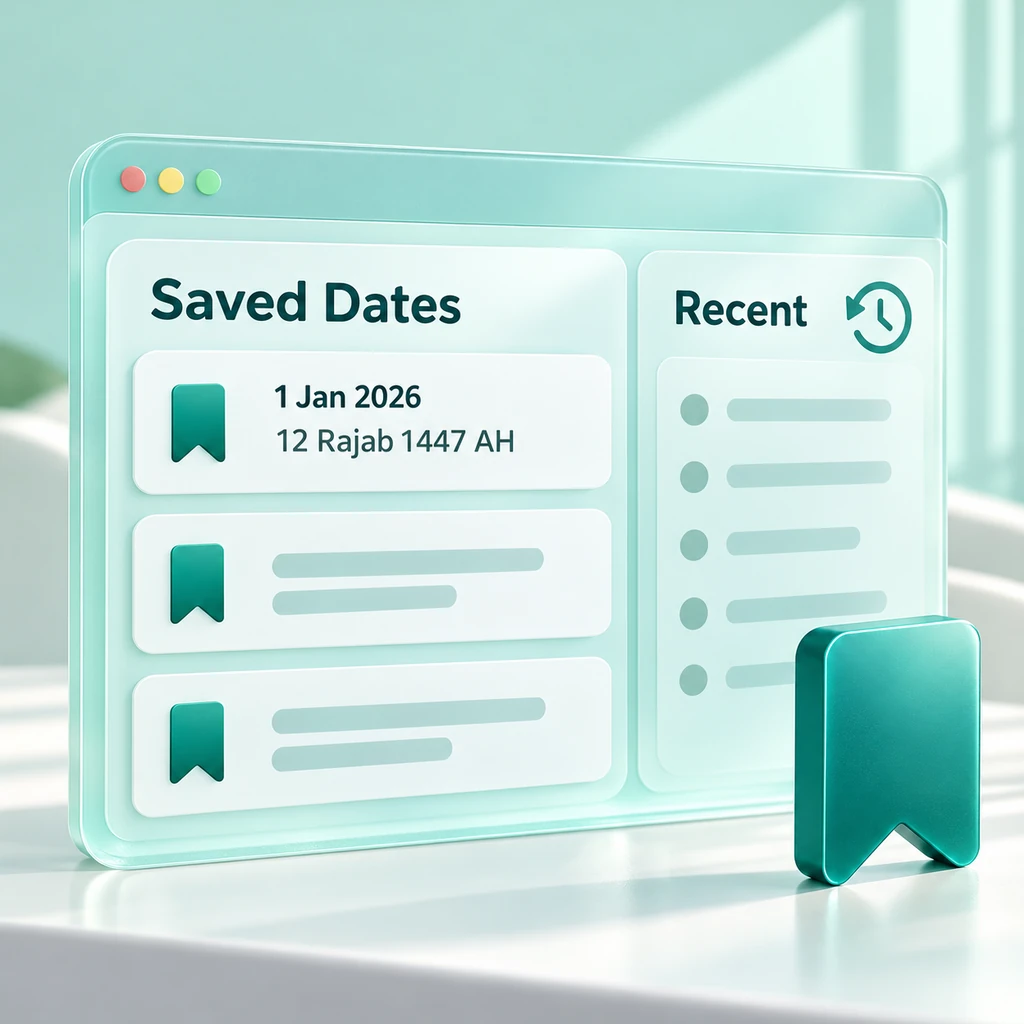
Select Save to store the current conversion in the Saved History section. The Recent section displays your latest conversions, while selecting a saved or recent record restores the history and settings for that specific test. You can save up to eight entries in each list.
These lists use storage space within your browser. However, these lists do not provide an account backup or automatically sync with your other devices or browsers. Clearing the website data will delete this information. If browser storage is locked, saved entries may persist only for the duration of the current session.
Tip: Copy the date pair into your own notes or export the result before clearing browser data. Saving it in the tool should not be your only record.
For a separate record of dates, enter your pairs of Hijri and Gregorian dates into an online spreadsheet editor.
COPY, SHARE & EXPORT
Take the result into your notes or Calendar
Copy the date pair and its calculation settings to your clipboard. The Share option utilizes your device's native sharing features (where available), with a copied link serving as a fallback. Under Export, choose from options such as a link, calendar integration, print, or PNG—whichever format you require.
Calendar Download: The Calendar option downloads an ICS file containing one all-day event on the selected Gregorian date. Then, import the ICS file into your calendar app and set any reminders there. If you want to attach the resulting image to your message instead of sharing a link, choose PNG.
Link: Reopen the selected date and settings.
Calendar: Download the all-day ICS event.
Print or PNG: Save the results card in a readable format.
Note: Anyone with the link can view its history and settings. Only share it if you are comfortable revealing this change to others.

LANGUAGE & DISPLAY
Choose Familiar Labels and a Comfortable View
The interface is available in English, Urdu, Arabic, Turkish, Indonesian, Malay, Bengali, and Persian. Choose a language that is easy for you to read when viewing month entries or days of the week. Your selected conversion settings remain in place even when you change the language.
Light mode, dark mode, and a separate contrast control allow you to adjust the tool's display. On smaller screens, the two calendar panels stack vertically. Calendar settings still determine the outcome. Changing the language or theme does not alter the calculation method.

INPUT HELP & DATE LIMITS
Check the Fields When a Date Is Rejected
Fill in all the required fields for the Hijri date, using whole numbers for the day and year. The conversion process will halt if the year is not entered, the day falls outside the range for the selected month, or the Gregorian date lies outside the supported range. Review the message accompanying the input before trying again.
In the Gregorian calendar, the input range spans from July 19, 622, to December 30, 9999, and the range for Hijri years is from 1 to 9666. However, the corresponding Gregorian date resulting from the conversion must also fall within the specified input range. For historical dates, the converter applies Gregorian calendar rules even before that calendar’s introduction.
Verify that the 30th day exists in the selected Hijri month.
Use the full year instead of a two-digit abbreviation.
For old records, check whether the original date was according to the Gregorian, Julian, or the locally used Hijri calendar.
USEFUL ANSWERS
Hijri Date Converter FAQ
These answers explain details you might overlook when checking or reusing a date.
Apart from the Hijri year, what does AH stand for?
AH stands for Anno Hegirae and is used to denote years in the Hijri calendar. It indicates the calendar year, so it should be included whenever a date might otherwise be mistaken for a Gregorian date.
Can I get today's Islamic date for my city?
Today uses your device’s local Gregorian date and the selected calculation settings. It does not take into account decisions regarding moon sightings in any specific city. When the date of a moon sighting is significant, refer to your local announcement.
Can I change the entire list of dates all at once?
This converter handles only one pair of dates at a time. It does not support uploading dates in bulk or converting spreadsheets.
Does saving or exporting a date create a reminder?
The Save option keeps a record in your browser, while the calendar option downloads a file for an all-day event. Set any reminders in your calendar app, because the converter does not schedule notifications.
Why might the Copy or Share action fail on my device?
Browser permissions and device support may restrict clipboard or native sharing actions. Instead, try Link under Export, or use Print or PNG to save the result. Ensure that a valid transformation is visible first.